
Who it's for: Everyone.
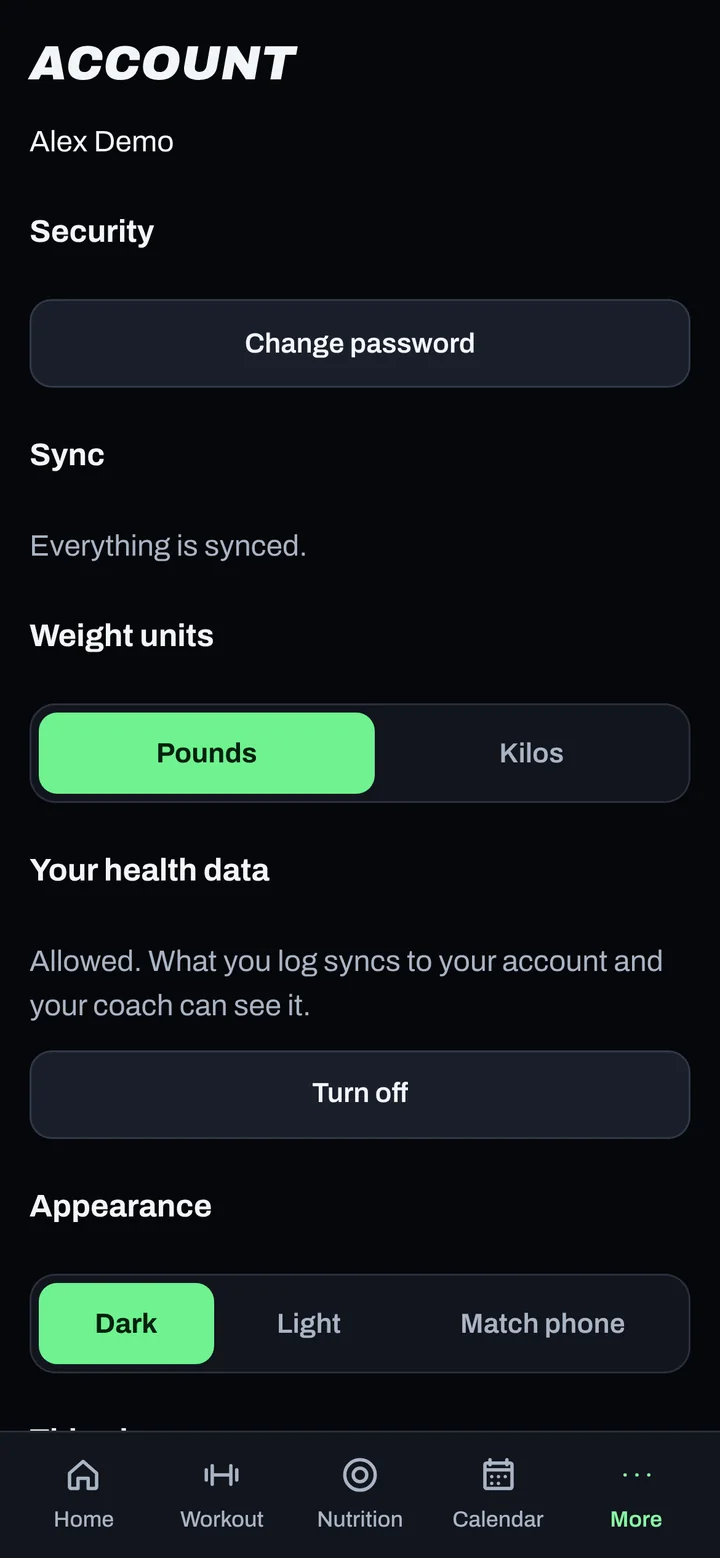
Steps
- Keep two-factor sign-in safe: use Apple Passwords or Proton Pass and save your recovery codes.
- Lock your phone with a passcode or Face ID.
- On a shared phone, use Sign out under More > Account when you're done.
- Lost a phone? Use Sign out everywhere from another device.
Good to know
- Every account uses two-factor sign-in. No exceptions.
- Your data is encrypted when it travels and when it's stored.
- Health information is only used to run your coaching and the app's features.
- AI providers process some data to run features (like food photos and Verify). They don't use it to train their models.
- Oura and Strava data is never sent to AI features.
- No in-app data export. To ask for a copy of your data, email privacy@adaptnow.app.
Not working?
| What you see | What to do |
|---|---|
| I think someone else signed in | Change your password, then tap Sign out everywhere. Email support@adaptnow.app. |
| I want my data deleted | Go to More > Request account deletion. |
Related
Still stuck? Message your coach or email support@adaptnow.app.
Still stuck? Message your coach in the app, or email support@adaptnow.app.