Who it's for: Everyone. Health data consent is needed on every plan.
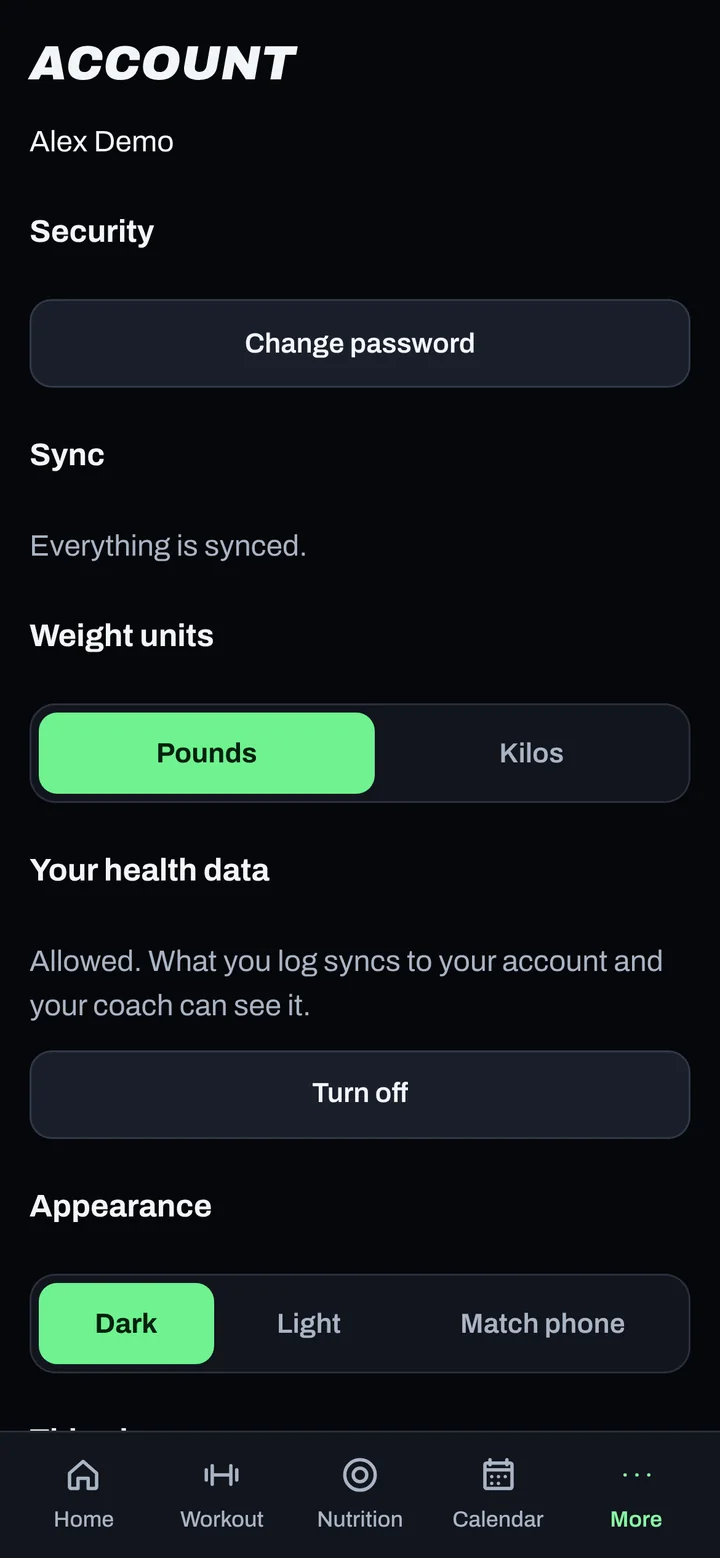
Steps
- At first sign-in, read the Health Data Consent after the User Agreement.
- Tick the box to consent, then tap Continue. Or tap Not now to decide later.
- To give it later, go to More > Give health data consent, tick the box and tap Give consent.
Good to know
- It's separate from the User Agreement because health information needs your express consent.
- It unlocks health features like food logging, weight, check-ins, photos, bloodwork and devices.
- Without it, your account still works, but health features stay locked.
-
To withdraw consent, email privacy@adaptnow.app as described in the Privacy Policy.
-
Read the documents any time under More > Legal.
Not working?
| What you see | What to do |
|---|---|
| "Food logging is paused." | Tap Review consent and give consent. |
| I tapped Not now | Go to More > Give health data consent. |
Related
Still stuck? Message your coach or email support@adaptnow.app.
Still stuck? Message your coach in the app, or email support@adaptnow.app.