
Video walkthroughA short video for this guide is coming soon.
Who it's for: Members on the App and Group plans run it themselves. On Lifestyle and Elite, your coach sets your targets and approves changes.
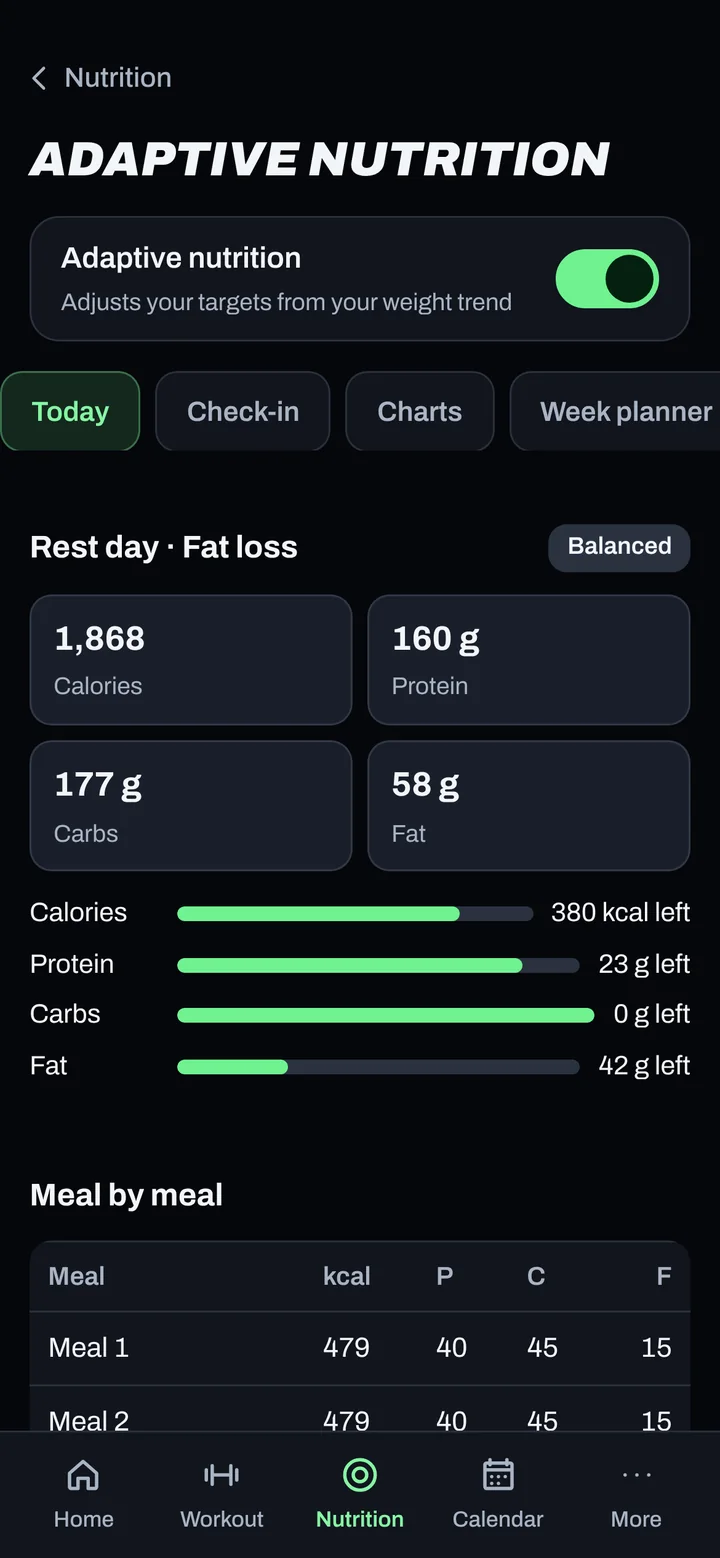
Steps
- Go to More > Adaptive nutrition (or the Adaptive nutrition link on Nutrition).
- Make sure the Adaptive nutrition switch is on ("Adjusts your targets from your weight trend").
- Log your weight and your food every day. Adjustments start after 7 days with both logged.
- Each week, open the Check-in tab and tap Check in now to see the suggested change.
- Not a normal week (travel, illness)? Tap Hold this week to keep your targets the same.
Good to know
- A week needs 5 complete days (weight and food logged) to change your targets.
- It follows your weight trend, not one weigh-in, so daily water swings don't throw it off.
- Changes are capped at 150 kcal per week.
- On a cut, if you're losing faster than 1% of your body weight a week, your calories go up.
- Calories never drop below a safe minimum floor.
- Coaching clients: suggested changes wait for your coach's approval.
- This is education and coaching, not medical advice. Talk to your doctor if you have a medical condition.
Not working?
| What you see | What to do |
|---|---|
| "Weekly adjustments and charts start once you've logged…" | Keep logging weight and food. The note counts down the days left. |
| My targets didn't change | The week had fewer than 5 complete days, you chose Hold this week, or your coach hasn't approved it yet. |
| I can't change the switch | Your coach controls it on your plan. |
Related
Still stuck? Message your coach or email support@adaptnow.app.
Still stuck? Message your coach in the app, or email support@adaptnow.app.