Who it's for: Everyone.
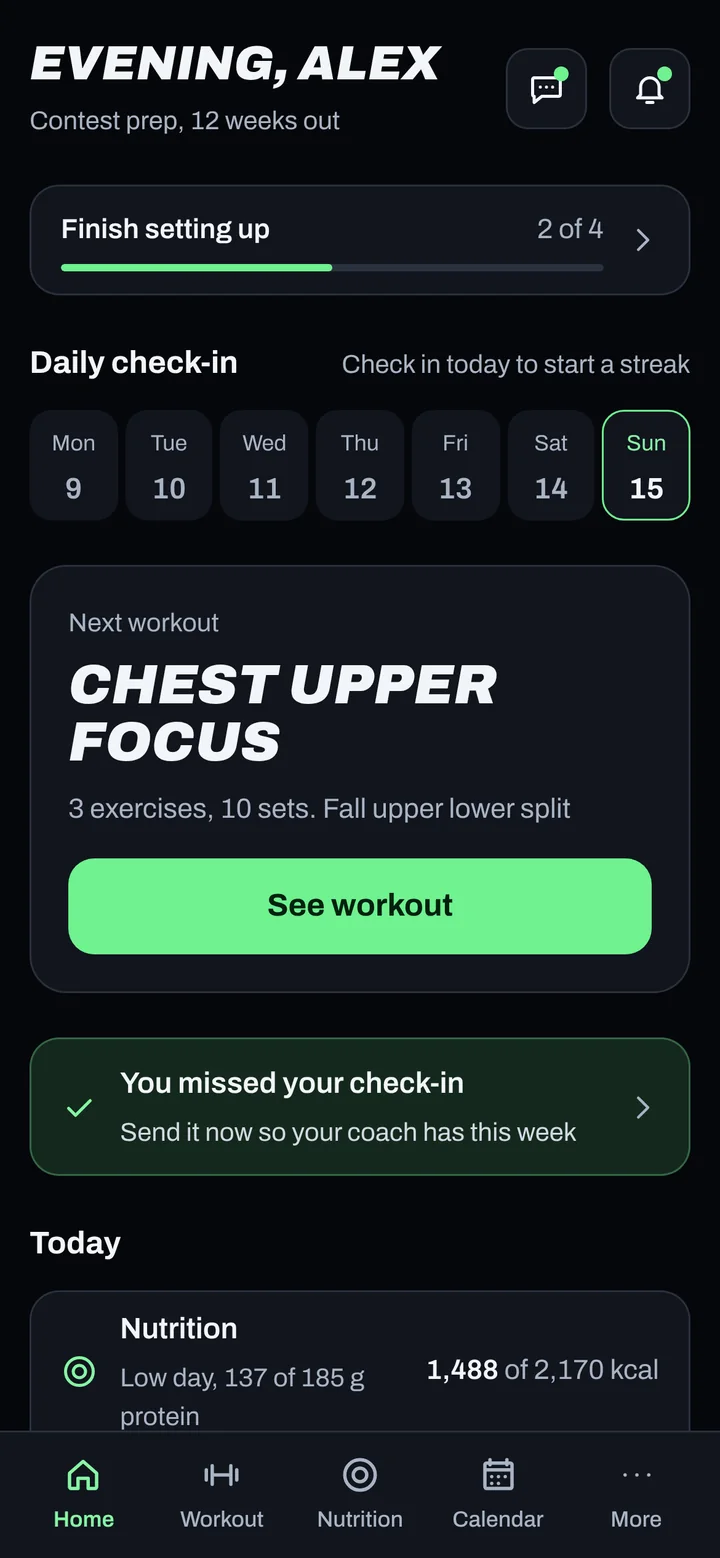
Steps
- When you see "A new version is ready.", tap Update now.
- No bar? Fully close the app (swipe it away in the app switcher), then open it again.
- Still old? Make sure every entry shows Synced first.
- Then remove the ADAPT NOW icon from your Home Screen and add it again. See iPhone or Android.
- Sign in again inside the app.
Good to know
- Updates are small and download in the background.
- Removing the icon can delete entries that haven't synced. Always sync first.
Not working?
| What you see | What to do |
|---|---|
| "Update ADAPT NOW to keep syncing." | Tap Update now or fully close and reopen the app. Your saved data is safe. |
| The update bar keeps coming back | Fully close the app once after tapping Update now. |
Related
Still stuck? Message your coach or email support@adaptnow.app.
Still stuck? Message your coach in the app, or email support@adaptnow.app.