
Who it's for: Members who pay in the app, on any plan.
Steps
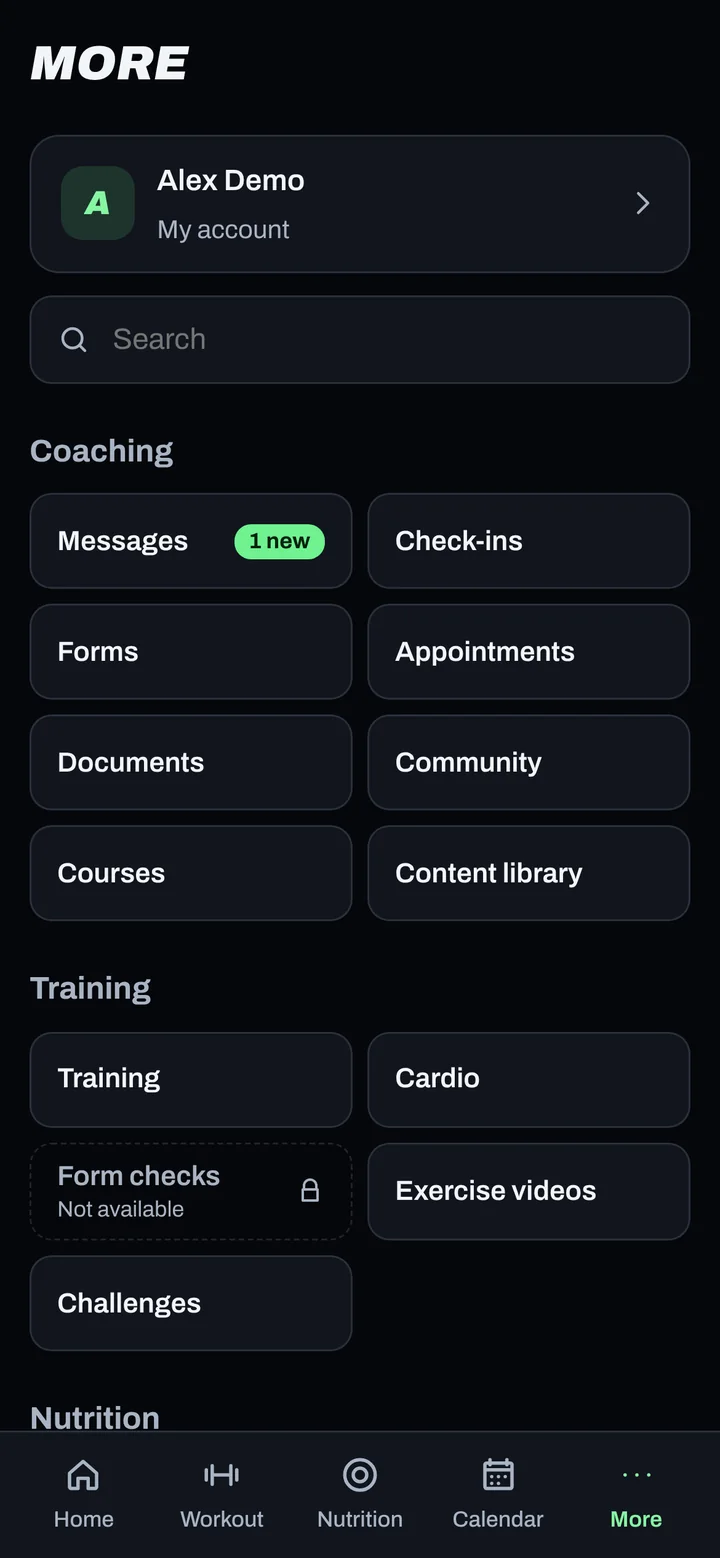
- Go to More > Billing.
- Check your Plan, Next charge and Access.
- Tap Invoices and card details. It opens our payment provider's secure page.
- There you can see every invoice and update your card.
- Want your charge on payday? Use Move your billing date and confirm, or ask your coach.
Good to know
- Moving your date only charges the extra days between the old and new date, so you never lose paid time.
- If you pick a date after the 28th, shorter months bill on the last day.
- Read the refund terms shown on the Billing screen before you change plans.
Not working?
| What you see | What to do |
|---|---|
| Payment failed, retrying | Update your card under Invoices and card details. |
| Access shows Paused | Update your card to restore it. |
| Billing not active yet | Your coaching is still billed the old way for now. Ask your coach. |
Related
Still stuck? Message your coach or email support@adaptnow.app.
Still stuck? Message your coach in the app, or email support@adaptnow.app.